
Three or four networks later, the desk and the floor under it are full.
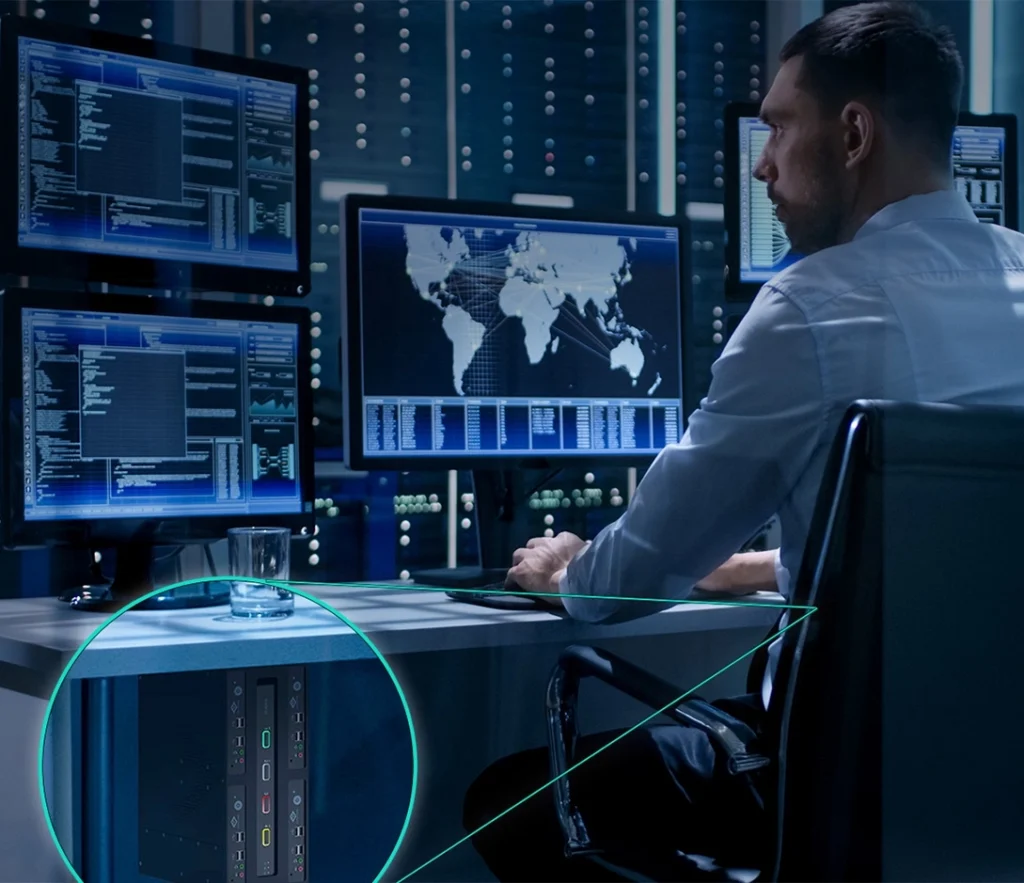
ClientCube is a family of secure multi-network workstation consoles from ClearCube Technology. Each ClientCube combines a secure KVM or KM switch, two to eight ClearCube endpoint devices, internal cabling, and consolidated power in one compact housing. A user works on several isolated networks, such as SIPRNet, NIPRNet, and JWICS, from one keyboard, one mouse, and one set of monitors. The secure switch in most ClientCube models is NIAP-certified to Protection Profile for Peripheral Sharing Device version 4.0. Every ClientCube is designed and assembled in the USA and is TAA compliant.
A ClientCube is not...

A standalone KVM for computers you already own. The endpoints inside are ClearCube devices, installed in the housing.
A cross-domain solution. It keeps networks separate; it does not move data between them.
|
|
Four separate stations
|
Standalone KVM + four computers
|
ClientCube NET-4
|
|---|---|---|---|
|
Computers
|
Four, on or under the desk
|
Four, on or under the desk
|
Inside the housing
|
|
Power cords
|
Four
|
Five
|
One
|
|
Switch-to-computer cabling
|
None
|
External runs to each computer
|
Internal one-foot cables
|
|
Keyboards and mice
|
Four sets
|
One set
|
One set
|


This demonstrates a four separate network workstation installation before and after implementing our ClientCube NET-4 Secure KVM. Simply switch workstations with a tap of a button.
One power cord
Your monitor(s)
CAC reader
One network cable per network
One keyboard and one mouse
you’re building or refreshing multi-network workstations and replacing endpoints.
desk space, cable count, or setup time is a real constraint.
you need to keep the non-ClearCube computers at each desk. A standalone secure KVM is the better fit.
It depends on the number of networks. On a four-network desk, a NET-4 replaces five power cords with one, and switch cabling moves inside the housing.
No. Each network still connects to its own endpoint, and the secure switch keeps the networks isolated.
Yes. The NET-2 SFF and NET4-SFF have an optional detachable under-desk bracket.
Yes. The NET-4 SFF is designed for fast setup and takedown in portable kits.
Not inside a ClientCube; it houses ClearCube endpoints. To keep existing computers, use a standalone secure KVM.