How to Recover a Lost or Forgotten Password on a ClearCube PCoIP Zero Client

Forgetting a password happens to the best of us — but getting back into your ClearCube PCoIP Zero Client is a simple and secure process. In this quick guide, we’ll walk you through the steps to recover access if you've lost or forgotten your administrative password.

Step-by-Step Password Recovery Process

  1. Power On the Zero Client
    Start by turning on your ClearCube PCoIP Zero Client. Once it boots up, you’ll see the main Options Menu in the top-left corner of your screen.

  2. Access the Password Menu

    • Click on Options

    • Scroll down and select Password

  3. Generate a Challenge Code
    In the Password menu, you’ll see a Reset option — go ahead and select it.
    A Challenge PIN (a unique alphanumeric code) will appear on your screen.

  4. Send the Challenge PIN to Support
    Email the Challenge PIN to support@clearcube.com. Be sure to include:

    • Your contact information

    • The name of your organization

  5. Wait for the Response
    ClearCube’s support team will respond within 24 business hours with the unlock information you need to reset your password and regain access.

Need More Help?

For further assistance or troubleshooting, feel free to contact support@clearcube.com, or explore more of our helpful video tutorials on ClearCube’s YouTube channel.

ClearCube is committed to helping you maintain secure and efficient access to your virtual desktop environment — even when things don’t go as planned.

Need assistance or have a question?
Schedule one-on-one time with a ClearCube professional.

No matter where you are in the buying process, let our team of highly knowledgable staff assist you in your journey.

Explore Related Products

Zero Clients
Secure Zero Client Endpoint Computers Built for Security

Additional Articles to Explore

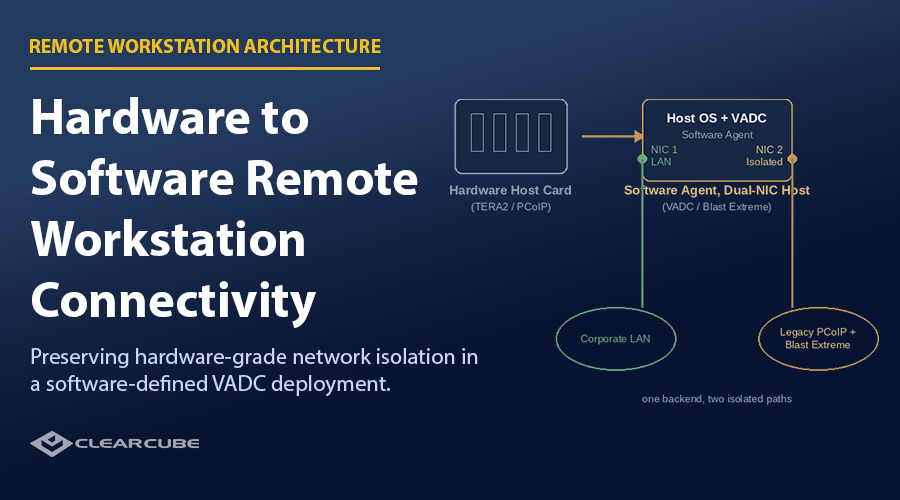
Preserving Network Isolation When Moving from Hardware-Based to Software-Based Remote Workstation Connectivity
For years, a dedicated hardware host card gave IT teams something software has struggled to replicate: a remote workstation that was completely invisible to the corporate data network. As more organizations move to software-based remoting agents, that isolation doesn’t have to disappear — a dual-NIC network topology reproduces it, with no connection broker required. This guide explains how the architecture works, and how legacy and modern endpoints can run on the same backend at the same time. Get the full white paper, free.
Read More
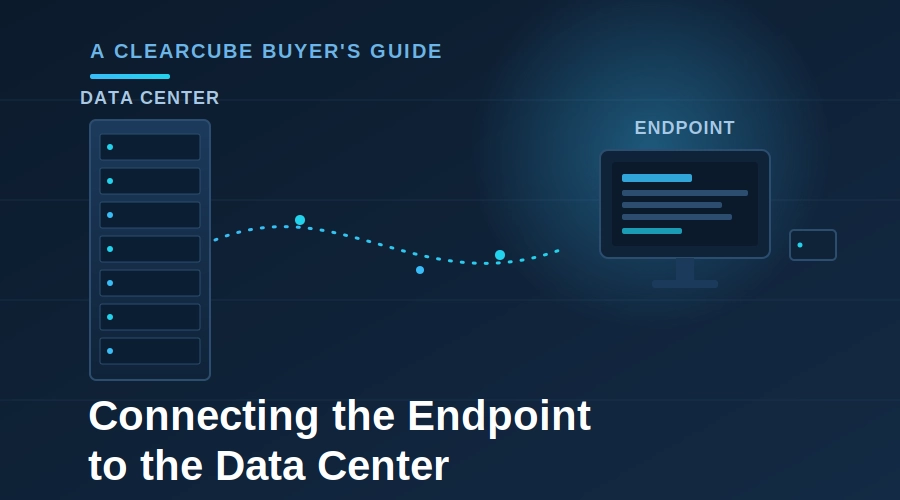
Choosing a Remote Desktop Protocol for Centralized Computing: A Buyer's Guide
Centralizing your endpoints in the data center is only half the decision — the other half is how each user connects to their machine. This guide breaks down the 15 best remote connection options, from standard VDI to the best for graphics and security. The ClearCube team has made this information (and ourselves) available so you can match the right connection option to your workload, security posture, and network. Get the full buyer’s guide, free.
Read More
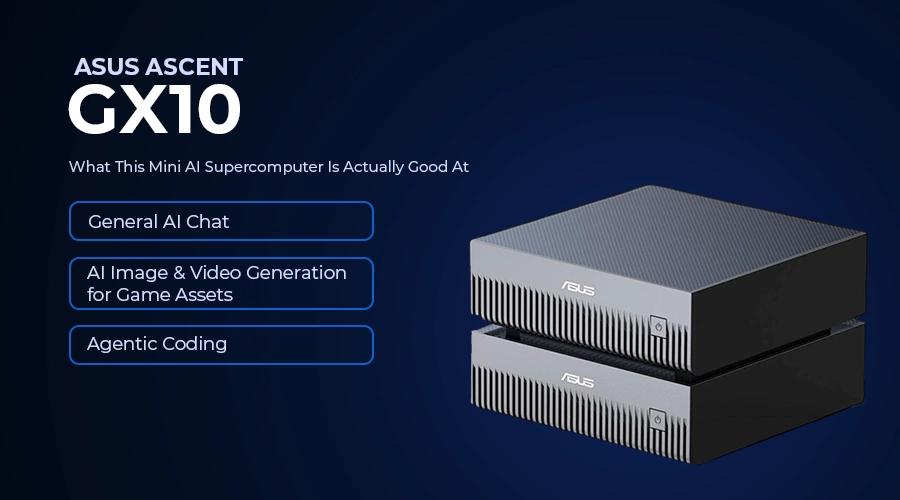
ASUS ASCENT GX10 Review: What This Mini AI Supercomputer Is Actually Good At (And Where It Isn't)
In this ASUS ASCENT GX10 review, a ClearCube customer put NVIDIA’s GB10 Grace Blackwell Superchip through three real AI workloads — general chat, image/video generation for game assets, and agentic coding — to see where this mini supercomputer excels and where cloud tools still win.
Read More