
ClientCube is a family of secure multi-network workstation consoles from ClearCube Technology. Each ClientCube combines a secure KVM or KM switch, two to eight ClearCube endpoint devices, internal cabling, and consolidated power in one compact housing. A user works on several isolated networks, such as SIPRNet, NIPRNet, and JWICS, from one keyboard, one mouse, and one set of monitors. The secure switch in most ClientCube models is NIAP-certified to Protection Profile for Peripheral Sharing Device version 4.0. Every ClientCube is designed and assembled in the USA and is TAA compliant.
A ClientCube is not...

A standalone KVM for computers you already own. The endpoints inside are ClearCube devices, installed in the housing.
A cross-domain solution. It keeps networks separate; it does not move data between them.
Standard Setup
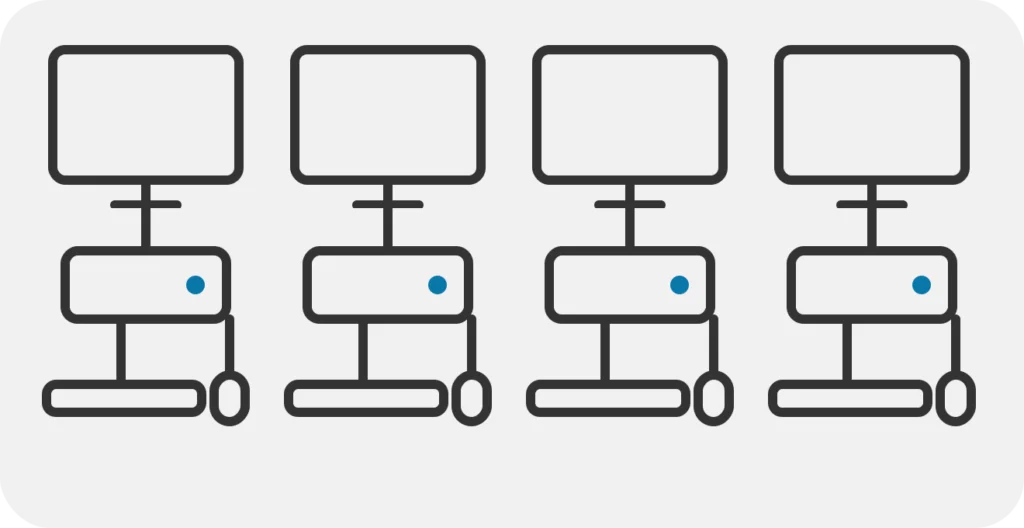
A computer per domain
A set per computer
Spacious work areas that don’t relocate and where use of assorted, existing computers is required
An Improvement
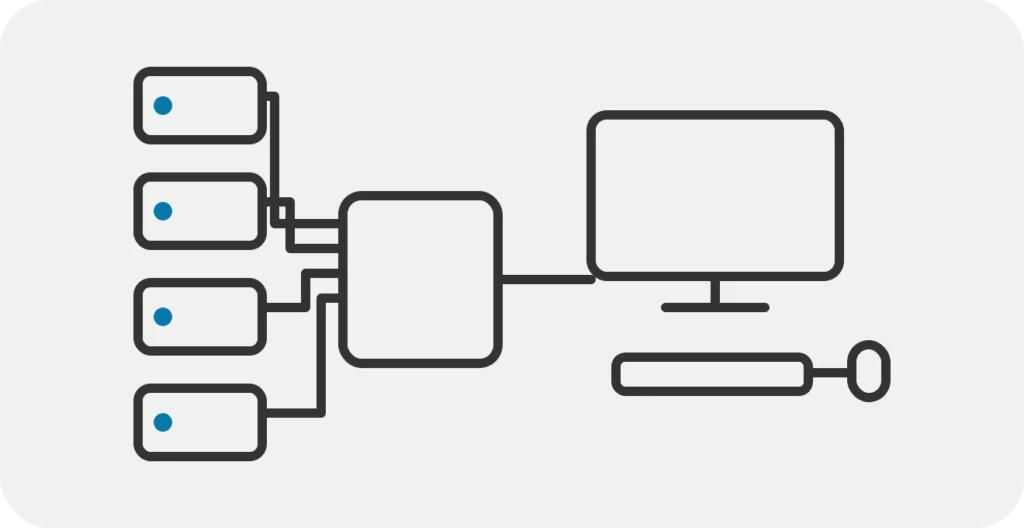
A computer per domain+ a KVM
One shared set
Moderately large work areas that don’t relocate and where use of assorted, existing computers is required
Optimal Solution
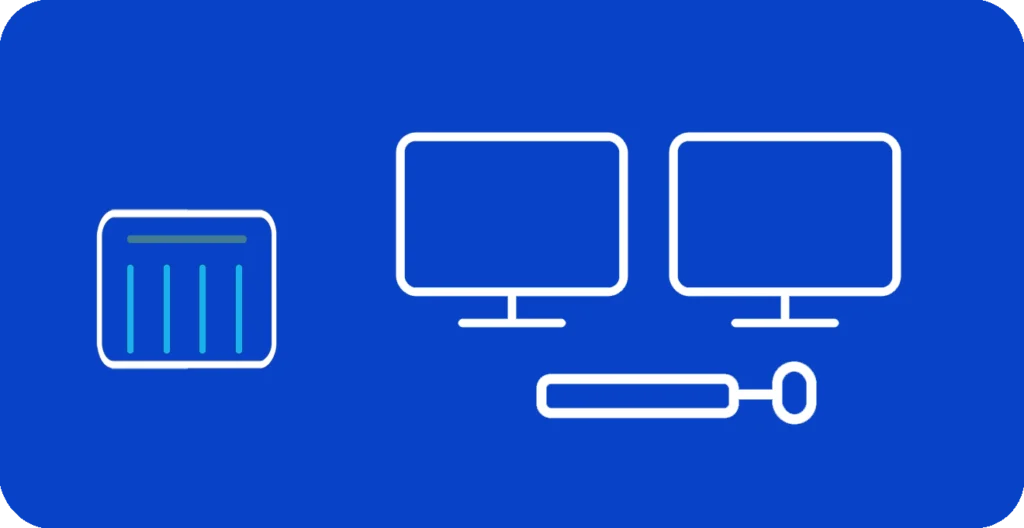
One compact, consolidated chassis, internally connected and housing mini computers (2-8) and a secure KVM (or KM)
One shared set
New multi-domain desktop build-outs and multi-domain desktops where using existing computers is not desired
ClearCube offers both standalone KVMs and KMs, as well as a lineup of ClientCubes for 2-8 domain connections. Standalone secure KVMs from Belkin, Vertiv, and IPGard are on the Secure KVM Solutions page.

Each domain connects to its own ClearCube mini computer inside the ClientCube.

Each mini computer inside the ClientCube connects to a shared set of displays, keyboard, and mouse via the secure KVM (or KM), also inside the ClientCube.

A user can seamlessly switch between domains by simply pressing a button when using a KVM or by moving the cursor to another display when using a KM.

Monitor(s) show the active domain connection.

Every display stays live; the active, domain connection follows your cursor between displays, securely switching as you move from one to another.
Confirm with your site security officer which switching method(s) your facility permits.
Exception: The ClientCube Secure houses two ClearCube endpoints and can also allow up to six external computers to be added to the open ports of the secure KVM inside the ClientCube Secure.
|
Model
|
Networks
|
Displays
|
NIAP switch profile
|
TAA
|
|---|---|---|---|---|
|
NET-2
|
Up to 2
|
Dual 4K @ 60Hz
|
PP 4.0
|
Yes
|
|
NET-2 SFF
|
Up to 2
|
Dual 4K @ 30Hz
|
PP 4.0
|
Yes
|
|
NET-4
|
Up to 4
|
Dual 4K @ 60Hz
|
PP 4.0
|
Yes
|
|
NET-4 SFF
|
Up to 4
|
Dual 4K @ 30Hz
|
PP 4.0
|
Yes
|
|
NET-4Q
|
Up to 4
|
Quad 4K @ 30Hz
|
PSS 3.01
|
Yes
|
|
NET-8
|
Up to 8
|
Dual 4K @ 60Hz
|
PP 4.0
|
Yes
|
|
NET-8 SFF
|
Up to 8
|
Dual 4K @ 30Hz
|
PP 4.0
|
Yes
|
|
ClientCube Secure
|
2 internal, up to 6 external
|
Dual 4K @ 60Hz
|
PP 4.0
|
Yes
|




Yes, through a NIAP-certified secure KVM or KM switch. It connects your peripherals to one network at a time and is designed to prevent data passing between networks.
A secure KVM is the switch alone; you supply and cable a computer for each network. A ClientCube houses the switch and a ClearCube endpoint for each network, wired internally and powered from one cord.
No. ClientCubes house ClearCube endpoints: Zero+, Trusted Zero, and TERA2 zero clients, or up to two ClearCube NUCs.
Two, four, or eight, depending on model.
No. A cross-domain solution moves data between security domains. ClientCube keeps networks isolated.